Save a family recipe and shop for what’s missing
Your family’s tomato eggs call for four eggs, one tomato and oregano to taste. You have the eggs and oregano. Save the whole recipe on your iPhone, then put just the tomato on your shopping list.
See the worked example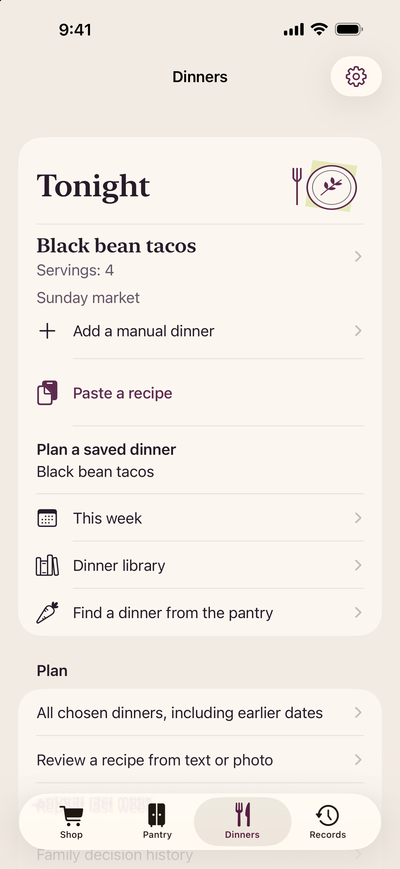
From a recipe card to a shopping list
Start with the words on the card
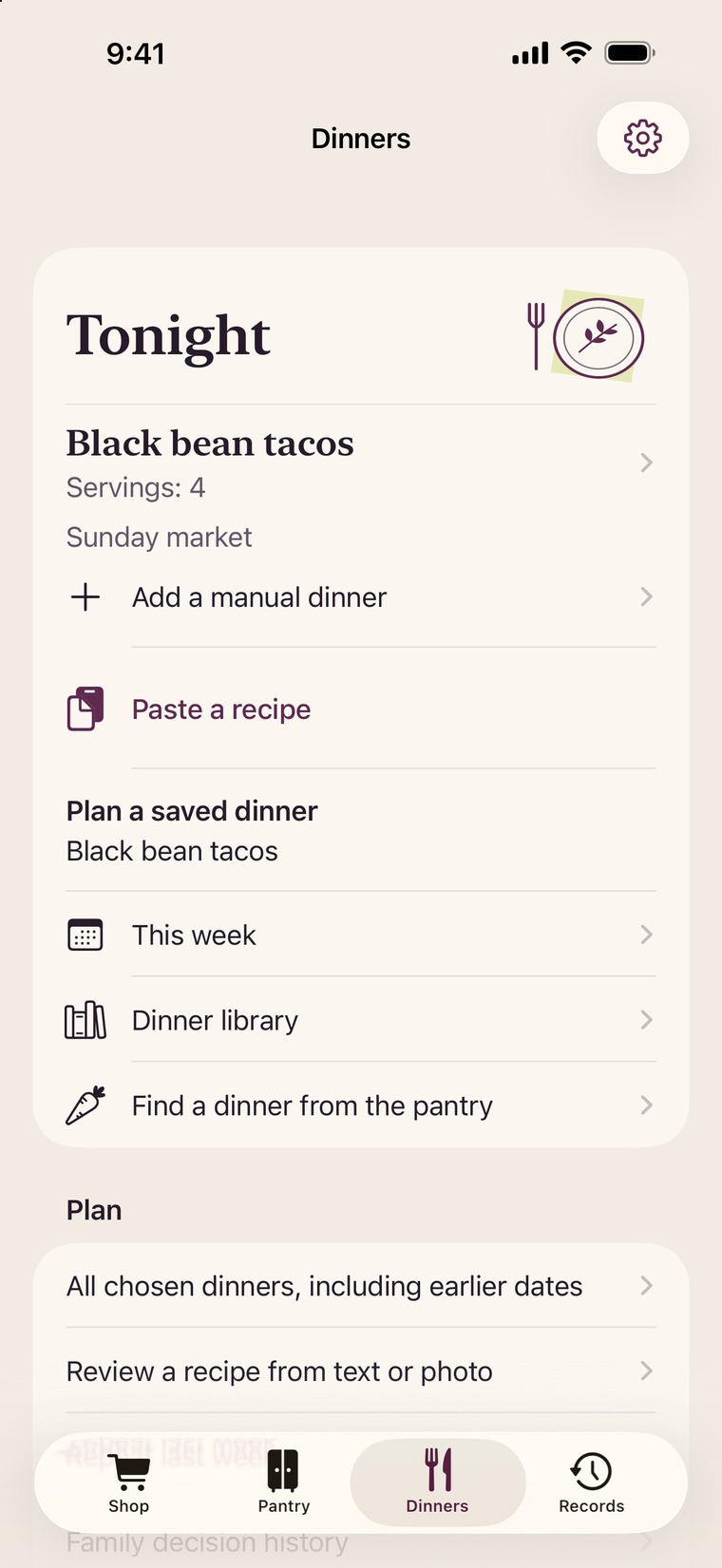
In Dinners, tap Paste a recipe. Type the words from the handwritten card or paste a note you already have. Include the title, servings, ingredients and directions. For tomato eggs, the last line might read “Soften the chopped tomato, then stir in the beaten eggs and oregano.” Tap Review pasted recipe. You can do this before starting a pickup, without an account.
Check what the app read
Compare the draft with the card. Did it keep “serves two” separate from “four eggs”? Is the cooking instruction in the right place? Correct the fields. If the card says “oregano to taste,” choose Use without a measured amount. Tap Review recipe facts, then Save reviewed recipe. If you already have a reusable dinner, check its name before choosing Replace recipe.
Choose the groceries for this trip
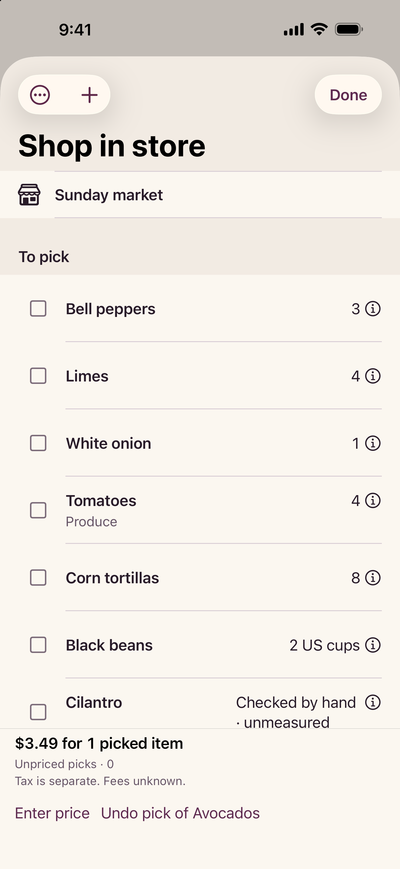
On the saved recipe, tap Shop for ingredients only. You need a pickup with a shopping list for this step. If prompted, tap Name your shopping list and create one. Select the tomato, tap Review selected groceries, then confirm the ingredient count and list name. Use Plan this dinner when you also want to choose a day and servings.
Bring in a recipe from another source
For a web page, open Import and use recipes in Dinners, choose Import a recipe link and paste its public HTTPS address. Read recipe contacts the website and looks for recipe data the page provides. If it can’t read the page, type or paste your recipe instead. For a Paprika export, choose Choose a recipe or draft file… and open the .paprikarecipes file. Check each imported draft and use Save reviewed recipes to keep it. You choose groceries separately.
One tomato on the list
The saved tomato egg recipe serves two. With your shopping list open, compare each ingredient with what you have in the kitchen.
- 4 eggs
- What you have 4 eggs in the fridge
- Shopping choice Leave unchecked
- 1 tomato
- What you have None on hand
- Shopping choice Select 1 tomato
- Oregano to taste
- What you have An open jar
- Shopping choice Leave unchecked
The grocery preview should show one ingredient. After you confirm it, your list has one tomato and your saved recipe still has the eggs, tomato and oregano for the next time you cook.